Getting started
Plan for about five minutes from opening the Exopen Portal to your first answer.
Before you start: access
To see Exopen AI in the Exopen Portal you need to either be a company-domain admin (an admin for your company's space in the Exopen Portal) or have a role with the Exopen AI permission enabled. Don't see Exopen AI in the menu? Ask your admin to enable the permission on a role you already have, or assign you a role that has it. If you're an admin yourself, see Managing user access.
1. Open Exopen AI
Sign in to the Exopen Portal and click Exopen AI in the left-hand menu. The first time you open it you'll be greeted by a short three-step onboarding.
2. Complete the onboarding (first time only)
Step 1 — Welcome
A short greeting explaining what Exopen AI is, plus three example questions for inspiration. Click Next.
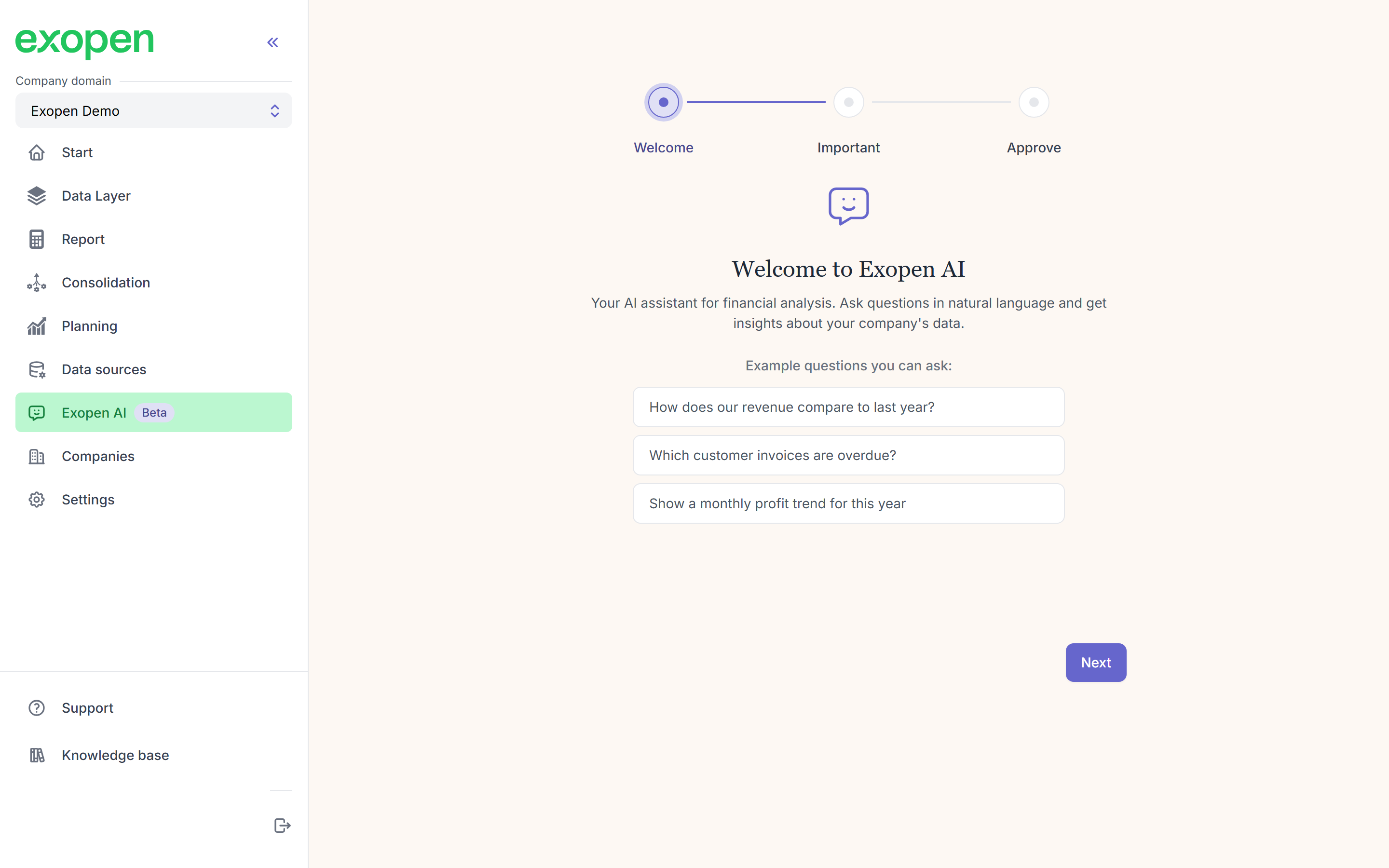
Step 1: a short welcome with example questions.
Step 2 — Important to know
Four short cards covering what you need to know before you start:
- Data processing outside the EU — your data may be sent to servers outside the EU to generate answers.
- AI can make mistakes — always verify the answers before acting on them.
- Not financial advice — answers don't constitute advice and shouldn't be your sole basis for financial decisions.
- Beta version — the service is in beta and may contain errors or limitations.
Read through and click Next.
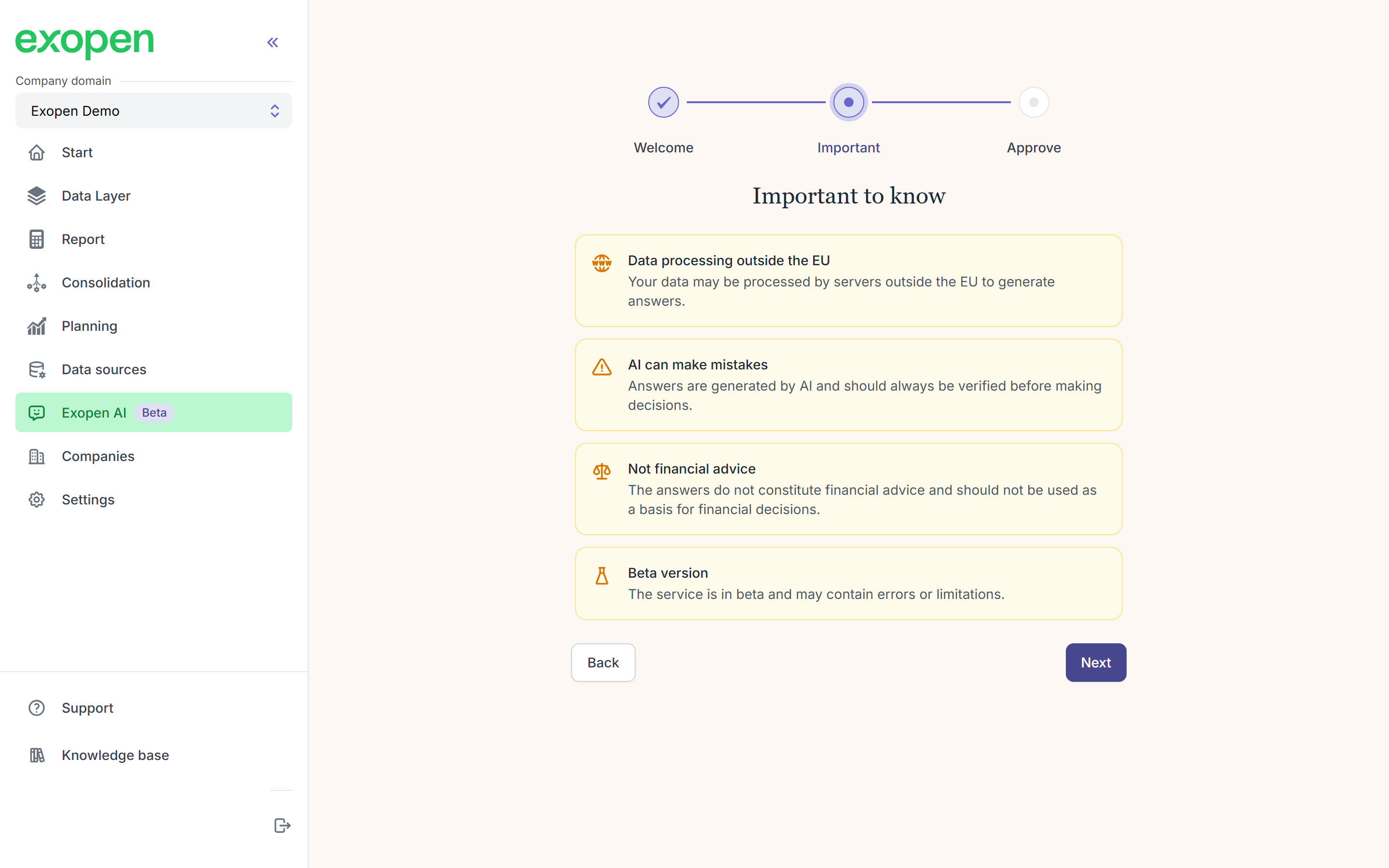
Step 2: four cards with important information.
Step 3 — Approve and get started
Tick all four boxes (one per item from the previous step) and click Get started. You only do the onboarding once — next time you open Exopen AI you go straight to the chat.
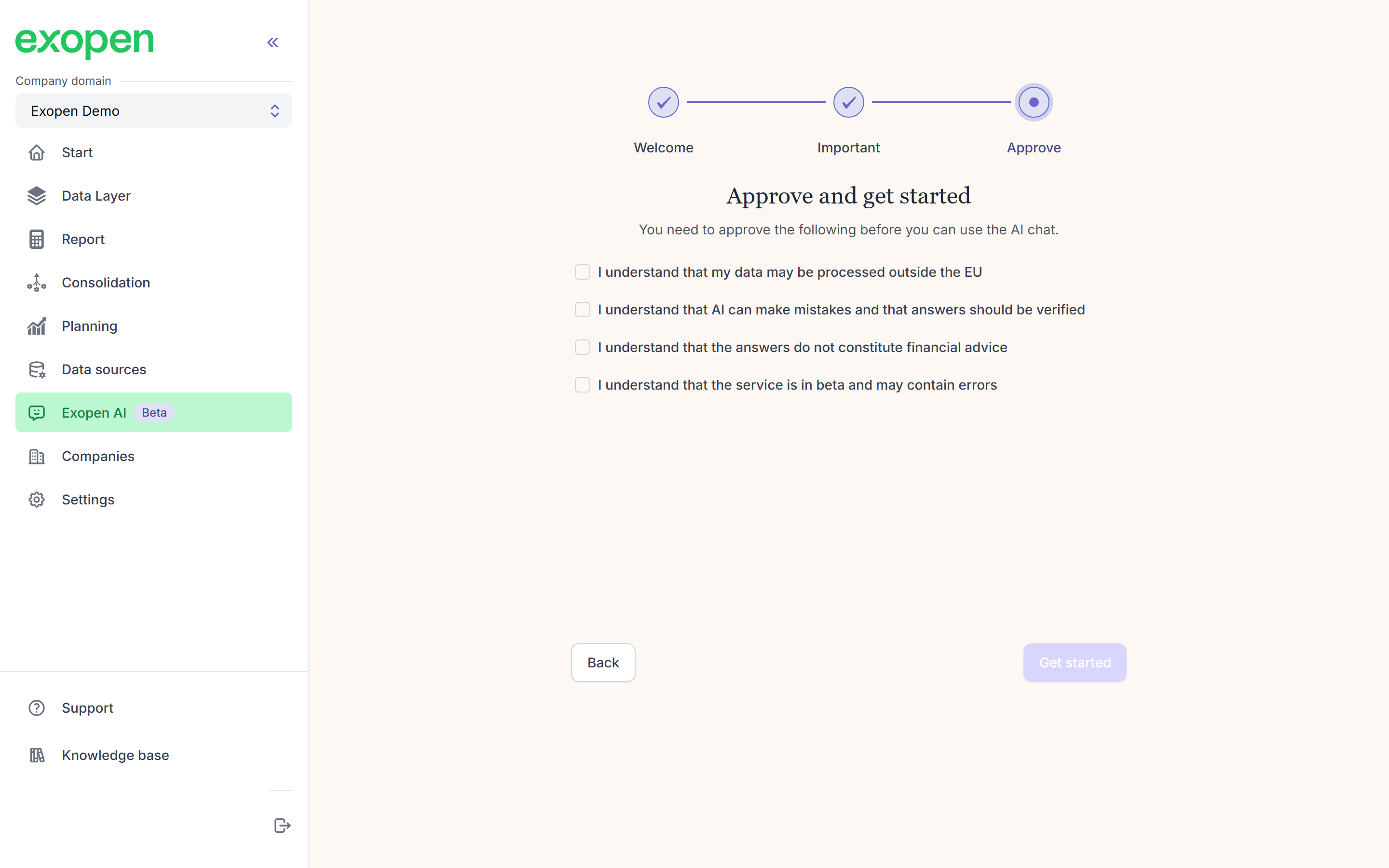
Step 3: tick all four boxes and click Get started.
3. Ask your first question
You land on an empty conversation with a few suggested prompts. Click one of the suggestions, or type your own question in the field at the bottom and press Enter. Try something like:
What was our revenue last quarter?
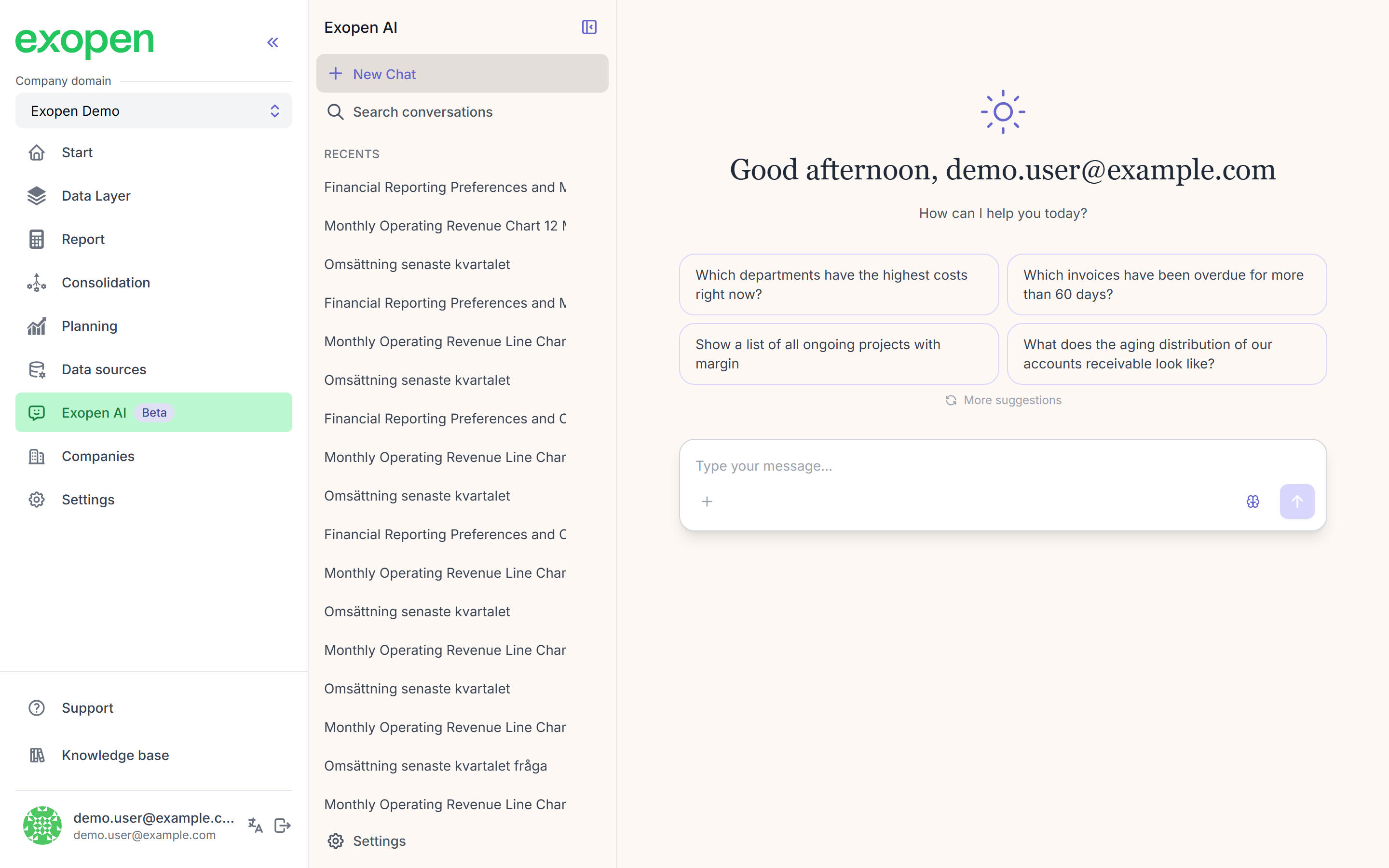
An empty conversation with a greeting and four suggested starter prompts.
The AI pulls the figure from your finance data and answers in plain English. Larger questions can come back as a table or a chart. You can ask follow-up questions in the same conversation without having to start over.
What now?
- Asking good questions — tips and examples that get you better answers.
- Topics you can ask about: Income and profitability, Cash and liquidity, Customers and receivables, Suppliers and payables, Projects.
- Notifications — turn on browser push notifications (optional).
- Feedback — thumbs up or down on any answer.