Conversations
Every chat with Exopen AI is saved as a conversation. You can return, search, rename, or pin the most important ones.
Find earlier conversations
The sidebar lists all your conversations in time order. Pinned conversations sit at the top.
Search
Click the search icon in the sidebar to search across all your conversations. Search looks at both title and content.
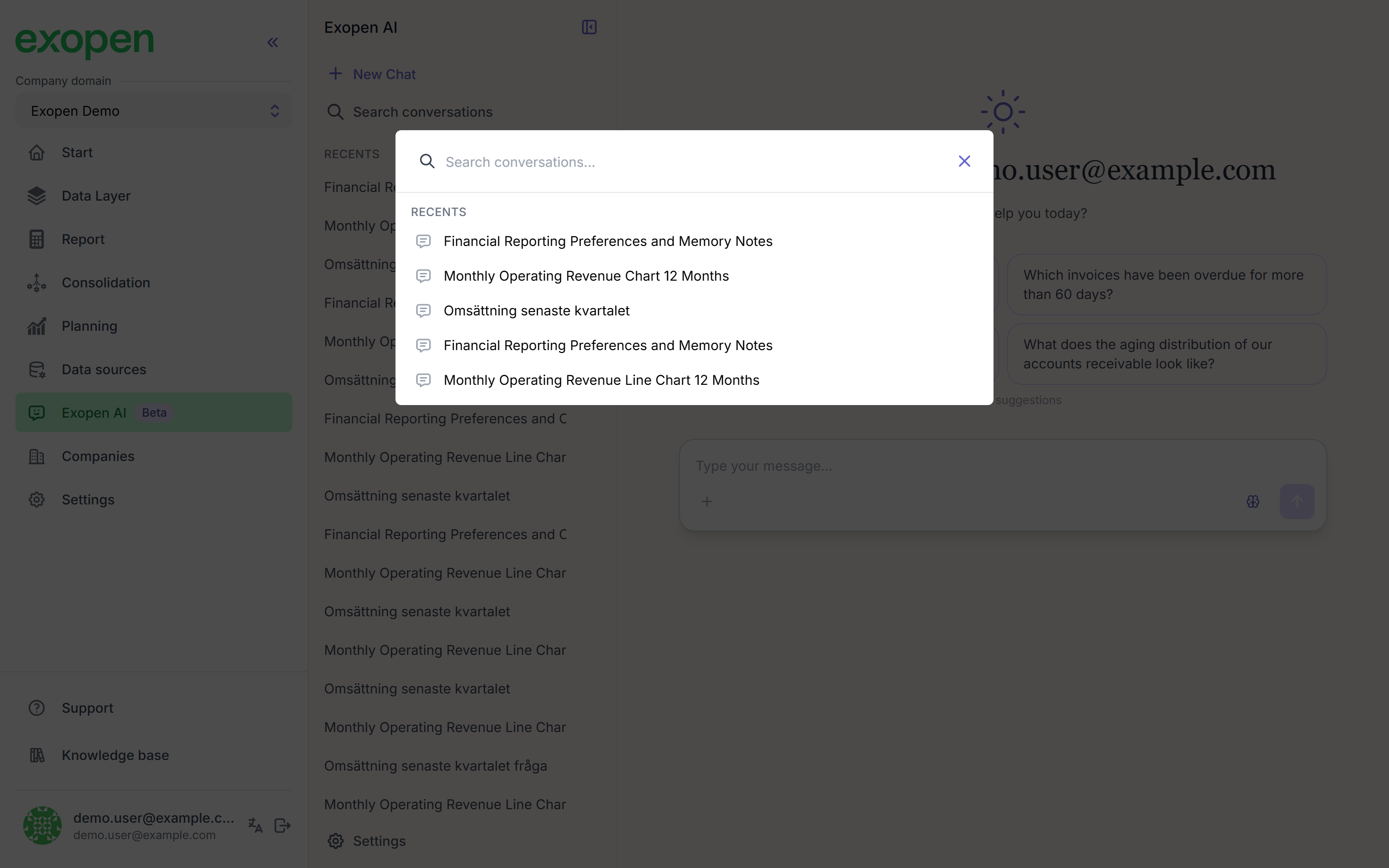
The search dialog over the chat surfaces matching conversations.
Pin
Click the pin icon on a conversation to keep it at the top of the list. Useful for conversations you reuse often — like the monthly close.
Rename
Click a conversation's title to edit it. The AI names conversations automatically based on the first question, but you can change them freely.
Delete
Click the menu icon on a conversation and choose Delete. Deleted conversations cannot be restored.
Tips
- Start a new conversation when you change topic — it keeps each conversation focused and the AI finds the right context faster.
- Pin conversations you return to regularly.