Skatteverket
Create a Data source for Skatteverket skattekonto
Step 1: Register Exopen as a representative (swedish: ombud)
First, Exopen must be registered as a representative in order to access your tax account information from the Swedish Tax Agency. This can either be done online for direct access if you have an e-service. Otherwise, it can be done via a form. Both methods can be found here:
When registering, our company name and organization number need to be provided:
Name: Exopen Systems AB
Organization number: 556047-7472
Step 2: Add Data source in Exopen's Portal
-
Log in to Exopen's portal.
-
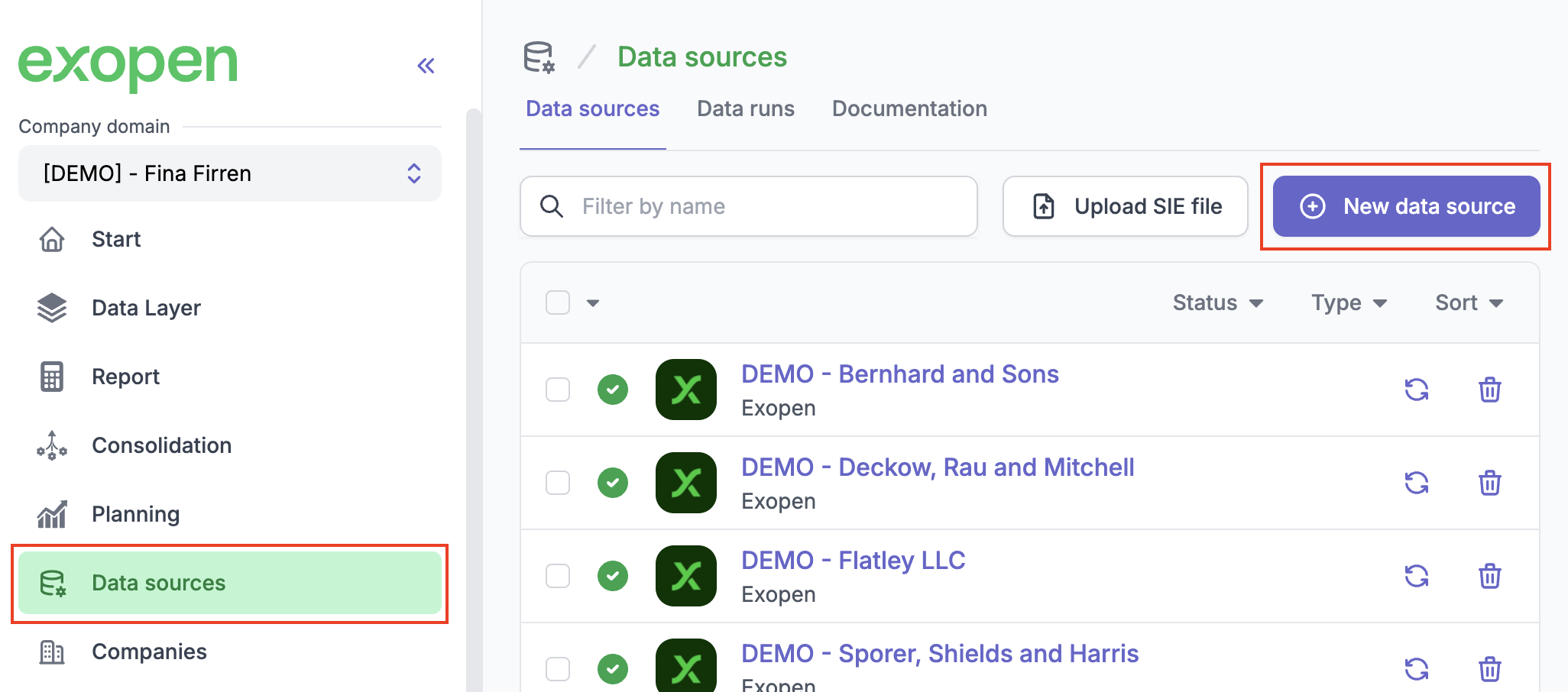
Go to Data sources and click on New data source.
-
Select Skatteverket from the list of available integrations.
-
Under Add New Integration, enter the organization numbers for which you have submitted that Exopen should act as a representative.
-
Click on Create Integration.
-
Done!
Now, the registered organization numbers will be listed under Pending Connections until we receive confirmation from the Swedish Tax Agency that the representative process is completed. Then, a data source will automatically be created in the list of other data sources without any further action needed from your side.
Cancel Addition of Data source
If you for any reason want to cancel the creation of a data source for the Swedish Tax Agency tax account while the organization number is under Pending Connections, you can do so by clicking on the trash can icon for the desired row to be removed. No data source will ever be created for that company unless you enter the organization number again.
