Managing company-wide settings
Some Exopen AI settings apply to the whole company domain — not just an individual user. As an admin, you manage these in the Exopen Portal.
Where to find the settings
The settings live under the company-domain administration section of the Exopen Portal — select the Exopen AI tab.
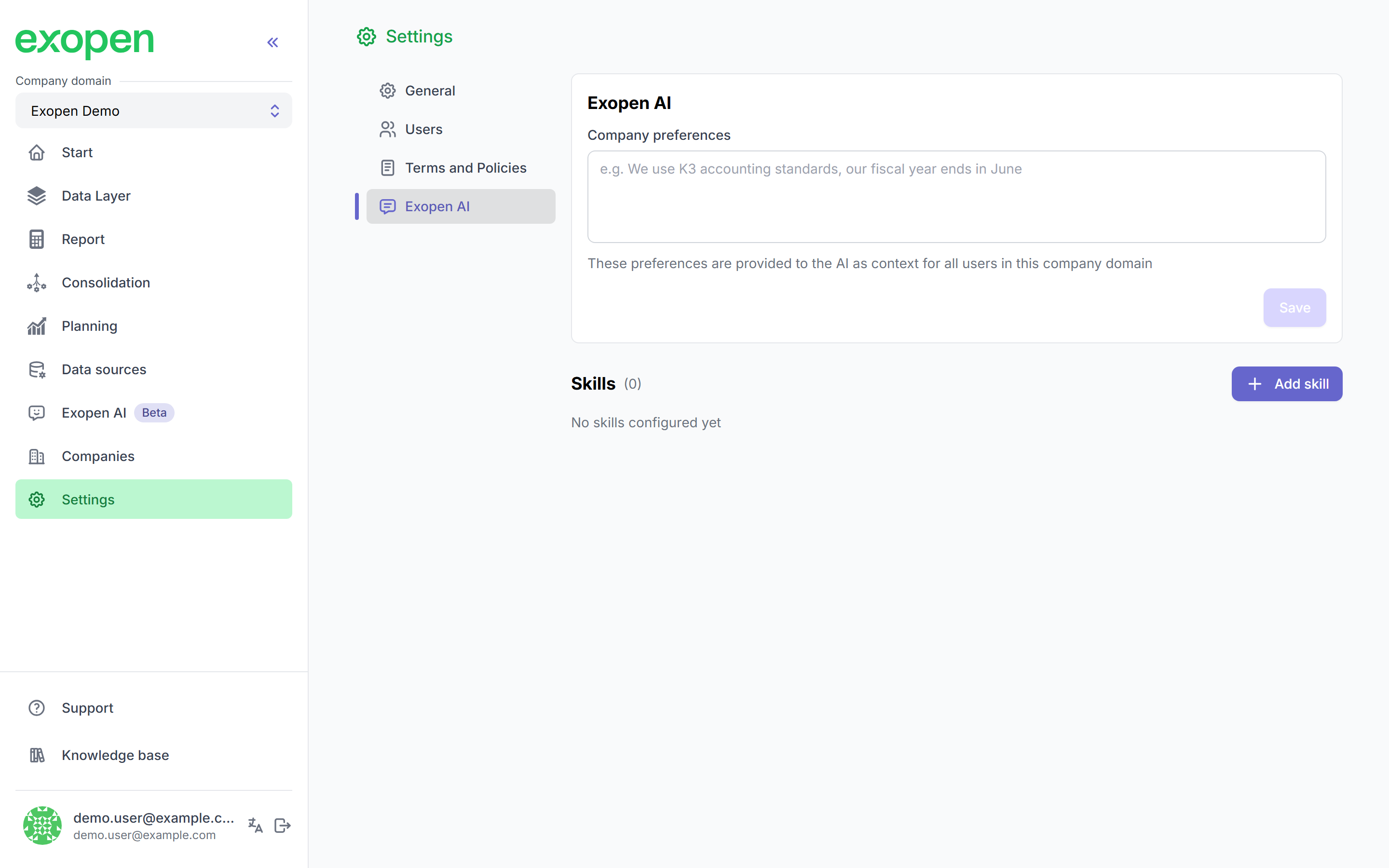
Company settings with the Exopen AI tab selected.
Company preferences
The main field is Company preferences — free text that the AI sees as background in every conversation across your domain. Use it for things that hold for the whole company and that the AI would otherwise have to guess or ask about every time.
Good things to put in:
- Accounting standard and fiscal year — e.g. "We follow K3. Fiscal year ends 30 June."
- Currency and amount format — e.g. "Always report in SEK in thousands."
- Period logic — e.g. "Q1 = July–September" if your fiscal year is shifted.
- Internal abbreviations — e.g. "KS = cost centre", "Department 100 = HQ".
- Definitions you always apply the same way — e.g. "Margin is calculated excluding inventory revaluation."
- Default reporting choices — e.g. "Report against the parent company unless told otherwise."
Keep it short and concrete. The field is for facts about the company — not style or tone, that belongs in personal preferences. Everything you write here is visible to every user in the company domain and takes effect from the next message.
Example
We follow K3. Fiscal year is the calendar year. Report amounts in SEK in thousands. KS = cost centre. Margin is calculated excluding inventory revaluation. Report against the parent company unless told otherwise.
Impact on users' own settings
Users have their own personal preferences on top. Company preferences act as the default; the user's own preference takes priority when the two conflict.